

Using a Burnout Assessment Tool: Practical Steps for Accurate Workplace Evaluation
- Patricia Maris

- Dec 2, 2025
- 17 min read
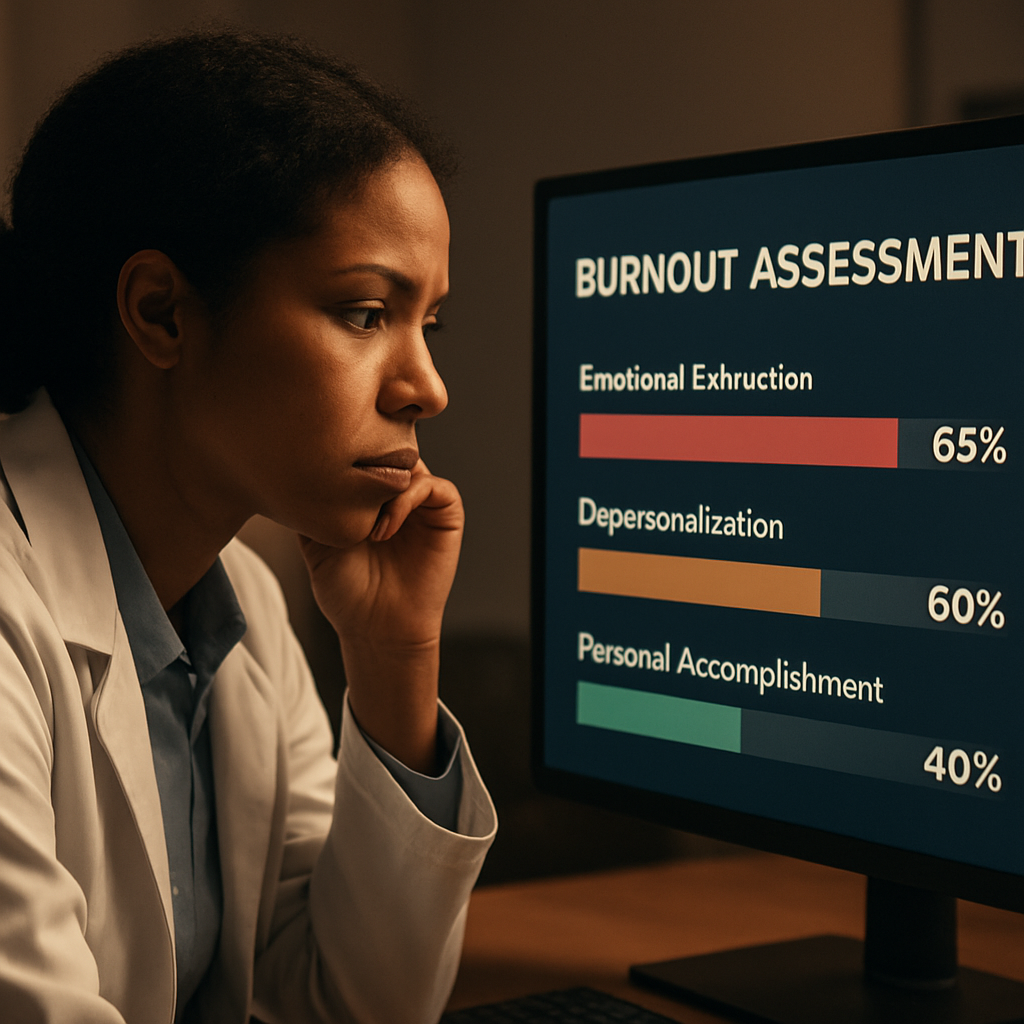
Ever sat in the break room, feeling that vague heaviness after a 12‑hour shift, and wondered if there’s a way to actually see how close you are to burnout? You’re not alone. Most clinicians experience that creeping fatigue, but without a clear picture it’s hard to know whether it’s just a bad week or the early warning signs of a deeper problem.
That’s where a burnout assessment tool comes in. Think of it as a quick health check‑up for your professional wellbeing. It asks you to rate things like emotional exhaustion, depersonalisation, and your sense of personal accomplishment – the three pillars that research shows predict burnout. The beauty is that it translates those feelings into a score you can act on, rather than leaving you guessing.
Take Dr. Patel, an emergency physician who started using a simple online survey after noticing more frequent headaches and irritability. Within a week she got a detailed report highlighting high emotional exhaustion but relatively strong personal accomplishment. Armed with that insight, she adjusted her schedule to include brief micro‑breaks and signed up for a peer‑support group. Within a month her exhaustion score dropped by 15 points, and she reported feeling more engaged with patients.
Or consider the nursing team at Riverside Hospital. They rolled out a team‑wide burnout assessment and discovered that night‑shift nurses scored significantly higher on depersonalisation. The leadership responded by piloting a “quiet zone” – a designated low‑stimulus space for quick resets – and saw a measurable dip in turnover over the next quarter.
So, how do you get started? Here are three actionable steps you can take today:
Pick a reputable burnout assessment tool – many are free, confidential, and take under ten minutes.
Complete the survey in a calm setting, being honest about each item; the more truthful you are, the more useful the results.
Review the feedback and set one concrete change – whether it’s scheduling a weekly debrief, adjusting patient load, or practising a short breathing exercise.
Remember, the tool is only the first step. The real power lies in translating the data into targeted actions that protect your stamina and passion for care. If you want a deeper dive into how holistic wellbeing can be measured and improved, check out the MarisGraph wellbeing measurement tool for a comprehensive approach.
And if your organization wants to benchmark these individual scores against industry standards, a partner like Benchmarcx can provide aggregated data to help you see where you stand and where you can grow.
TL;DR
A quick burnout assessment tool gives you a clear, confidential snapshot of emotional exhaustion, depersonalisation, and personal accomplishment, turning vague fatigue into actionable data. Use the results to pick one concrete change—like a short breathing break, a weekly debrief, or a quiet‑zone reset—and start protecting your stamina today, right now.
Step 1: Identify the Need for a Burnout Assessment Tool
Ever caught yourself scrolling through patient charts at 2 a.m. and wondering why you feel like a battery that's half‑drained? That's a signal, not just a bad night’s sleep. Recognising that feeling is the first reason you need a burnout assessment tool – it turns a vague gut‑check into something concrete you can act on.
Think about it this way: a burnout assessment tool is like a quick vitals check for your professional stamina. It asks you to rate emotional exhaustion, depersonalisation, and personal accomplishment. When the scores line up, you get a snapshot that tells you whether you’re cruising or crashing.
Why the tool matters right now
If you’ve noticed any of these red flags – chronic fatigue, irritability with patients, or a sense that you’re just “going through the motions” – you’re already in the warning zone. Without data, you might attribute it to a busy week and keep pushing, only to end up deeper in the mire.
Having numbers changes the conversation. Instead of saying, “I’m just stressed,” you can say, “My emotional exhaustion score is 28, which is above the healthy threshold.” That language opens doors to targeted interventions, whether it’s a micro‑break schedule or a peer‑support group.
Spotting the need in your own workflow
Ask yourself: Do I regularly feel a dip in motivation after certain shifts? Does a particular patient load leave me feeling detached? If you can point to specific moments, you’ve already identified a need for measurement.
Here’s a quick self‑check: grab a pen, list the last three days you felt “off,” and note what was happening. If patterns emerge – night shifts, high‑acuity cases, admin overload – those are the exact triggers a burnout assessment tool will quantify.
Once you see the pattern, the next step is to choose a tool that fits your schedule. The Mini Z burnout survey is a popular choice because it’s short, evidence‑based, and gives you an instant score you can share with a manager or mentor.
Connecting the dots for your organisation
For individual clinicians, the tool is a personal compass. For hospitals or clinics, it becomes a benchmarking asset. That’s where external partners come in. Benchmarcx offers organisations the ability to compare aggregated burnout scores against industry standards, turning individual data into actionable insight at the system level.
Imagine your department’s average exhaustion score sitting alongside national averages – you instantly see where you stand and where you need to invest resources.
Practical tip: Turn the score into a single change
Don’t get lost in the numbers. Pick one concrete tweak based on the highest‑scoring domain. If emotional exhaustion is the culprit, try a five‑minute breathing break after each patient. If depersonalisation spikes on night shifts, set up a quiet‑zone lounge for quick resets.
And remember, you don’t have to do it alone. Many teams pair the assessment with a short debrief meeting where everyone shares one takeaway. That creates accountability and a culture of openness.
Watching a quick walkthrough of a burnout assessment can demystify the process. The video above walks you through taking the survey, interpreting the results, and choosing a first‑step action.
Finally, think about the broader support ecosystem. While the tool gives you data, you might also want to explore benefits that cover preventive mental‑health programs. Lifecare Benefit Services outlines group health insurance options that often include mental‑health resources, which can complement the insights you gain from your assessment.
In short, spotting the need for a burnout assessment tool is about listening to the subtle cues in your day‑to‑day work, translating them into measurable data, and then using that data to make one purposeful change. It’s a simple loop: notice, measure, act, repeat.
Step 2: Choose the Right Burnout Assessment Tool
You’ve noticed the signs and gathered some anecdotes. Now you need a tool that turns that fog into usable information.
This step walks you through choosing a burnout assessment tool that fits your team, your goals, and the real constraints of clinical work.
Start with the purpose — what will the score actually do?
Are you screening individuals, benchmarking units, or building a yearly surveillance program?
If you only need a quick screen to flag high-risk staff, shorter validated surveys work best. If you want a diagnostic‑grade profile you can act on (which domains are driving the score), choose a multi‑domain instrument.
Look for psychometrics and cross‑population validity
Any tool you pick should have published reliability and validity — that isn’t optional for clinical teams.
The Burnout Assessment Tool (BAT) is an example of a modern instrument with psychometric evidence showing a higher‑order burnout factor and reliable subscales for exhaustion, cognitive and emotional impairment, and mental distance, which makes it useful when you need both a total score and domain detail ( validation of the Lithuanian BAT ).
Why does this matter? Because if the measure isn’t reliable across shifts, roles, or languages, your comparisons will be noise.
Practical filters: length, confidentiality, and delivery mode
In a hospital, a 20‑minute survey won’t fly. Aim for under 10 minutes for routine checks.
Decide whether you need anonymous responses, confidential but named follow‑up, or identifiable records for HR action — pick the tool and the delivery method that match that privacy model.
Integration: will it plug into workflows and reporting?
Think about what happens after you get results.
Do you need automated dashboards, team‑level rollups, or single‑person printable reports for occupational health? If so, confirm the tool supports that or that a partner (or your EHR/HRIS) can ingest the data.
Real‑world examples and quick comparisons
Example: an ED piloted a short BAT‑12 plus a 3‑question safety climate add‑on. They ran it monthly and used domain scores to target micro‑interventions (schedule tweaks for exhaustion, peer support for mental distance).
Example: a nursing director used a brief Mini‑Z for a quick pulse and the BAT when the Mini‑Z flagged multiple staff — the two together saved time and gave depth when needed.
Actionable steps you can take today
Step 1: Define the primary goal (screen, benchmark, or diagnostic).
Step 2: Limit acceptable tools to those with peer‑reviewed psychometrics and evidence of cross‑group invariance.
Step 3: Check logistics — survey length, language options, anonymity, and data export.
Step 4: Run a 2‑week pilot with 10–30 staff and ask: did results map to what we already know? If not, pause and reassess.
Decision checklist (quick)
Purpose defined (screen vs diagnostic)
Published validity/reliability (yes/no)
Suitable length for your staff
Clear privacy model
Actionable output (subscales + total score)
Need help choosing between BAT, MBI, Mini‑Z, or others? A practical primer on traditional measures can help you understand what you’re buying — see Understanding the Maslach Burnout Inventory: A Comprehensive Guide to Measuring Burnout for context comparing older instruments and how they differ from newer tools.
So, what should you do next? Pick the smallest set of tools that answers your question, pilot fast, and tie the results to one concrete action within two weeks — schedule change, micro‑respite space, or a peer debrief. That’s how assessment becomes treatment, not just paperwork.
Step 3: Administer the Burnout Assessment Tool Effectively
Okay, you’ve picked the right tool – now it’s time to actually roll it out.
First thing’s first: decide who takes it. Are you surveying an entire unit, a high‑risk shift, or just a handful of volunteers? The answer will shape every other decision.
1. Keep it short, keep it sweet
Clinicians are already juggling patients, paperwork, and endless alerts. A 10‑minute survey feels like a gift; a 30‑minute marathon feels like a punishment.
Pick a version of the burnout assessment that fits in a coffee break – most validated tools hover around 12‑20 items.
2. Choose the right delivery channel
Do your staff live on the ward floor or work from home? A mobile‑friendly web form works for on‑site teams, while a secure PDF attachment can be emailed to remote clinicians.
Make sure the platform respects anonymity if that’s part of your promise – anonymity boosts honesty.
3. Craft a clear invitation
People need a reason to pause. A short note that explains the purpose (e.g., “We’re mapping stress to improve shift scheduling”) and guarantees confidentiality goes a long way.
Include a deadline – “please complete by Friday 5 pm” – and a friendly reminder that the data will drive a concrete change, not just sit on a spreadsheet.
4. Pilot before you launch
Run the survey with 5‑10 trusted colleagues first. Look at completion rates, time‑to‑finish, and any confusing wording.
If you spot a question that gets a lot of “skip” responses, re‑word it or drop it. The pilot is your safety net.
5. Automate scoring and reporting
Manual tallying defeats the purpose of a quick assessment. Use an online form that calculates sub‑scale scores (exhaustion, mental distance, cognitive impairment) the moment the last answer is submitted.
Set up a simple dashboard – a bar chart that shows average scores by unit, a heat map for high‑risk shifts, or a traffic‑light system (green = low risk, amber = watch, red = intervention needed).
6. Translate numbers into action
Numbers alone are scary. Pair each score with a concrete recommendation: “If exhaustion > 3, schedule a 15‑minute micro‑break every 2 hours.” “If mental distance > 2, pair the clinician with a peer mentor for the next week.”
Document these actions in a one‑page cheat sheet that you can email right after the survey closes.
7. Close the feedback loop
Within 48 hours, share a summary with the whole team. Highlight what’s working, where the pain points are, and the first tweak you’ll try.
When people see their input turning into a schedule change or a new debrief, they’ll be far more likely to take the next round seriously.
8. Iterate, don’t settle
After the first cycle, ask a quick follow‑up: “Did the new micro‑breaks help?” Use those answers to fine‑tune the next round of assessment.
Remember, the goal isn’t a perfect score; it’s a living pulse‑check that keeps burnout from becoming a chronic illness.
For a deeper dive into how the Maslach Burnout Inventory works and how to interpret its sub‑scales, check out Understanding the Maslach Burnout Inventory . The guide walks you through scoring nuances you can apply to any validated burnout assessment.
And if you’re looking for a complementary self‑care option to help staff unwind after a tough shift, consider exploring CBD products for stress relief . A calm mind can make the difference between a short‑term dip in scores and a sustainable improvement.
Step 4: Interpret Results and Develop Action Plans
You ran the burnout assessment tool and now you’re staring at a report. That pause — the part where numbers turn into decisions — is where most teams fumble. Let’s make it simple, practical, and human.
Read the report like a clinician
Start by scanning the domains: emotional exhaustion, mental distance (depersonalisation), and cognitive/emotional impairment. Each domain points to a different root cause and a different fix.
Need specifics on how the BAT frames those domains and examples of item clusters? The BAT user manual walks through the subscales and interpretation guidance you can apply to your scoring pattern: BAT user manual.
So, what should you do next?
Three-step interpretation triage (quick)
Step 1: Triage the score. If a domain is high while others are low, the problem is focused — schedule or workload for exhaustion, team culture for mental distance, or cognitive load for impairment.
Step 2: Identify evidence. Pull in shift rosters, recent incident reports, and qualitative comments from the survey. Do respondents mention specific tasks, times, or teams?
Step 3: Assign risk level and owner. Mark each high domain as Red (action now), Amber (tweak), or Green (monitor). Give a named owner and a 48‑hour first step.
Does that feel doable? It should. Small, clear owners get things moving.
Develop action plans that actually get used
Write a one‑page action plan for each Red domain. Keep it lean: objective, one immediate action, one medium intervention, who owns it, budget ask (if any), and the measurement.
Example: if exhaustion is high on night shift, immediate action = allocate two 10‑minute micro‑respite slots with a cover clinician for a week. Medium = rotate night assignments to avoid long consecutive runs. Owner = nurse manager. Measure = week‑to‑week average exhaustion subscore.
Another example: if mental distance is the driver, immediate action = create a weekly 20‑minute debrief led by peers to reconnect work to purpose. Medium = peer‑mentoring pairing for new hires. Measure = frequency of reported depersonalisation items.
Want a quick toolkit to expand beyond burnout scores? Pair this with related measurement frameworks to track safety and readiness at the unit level — tools like the national self‑assessment can help you align wellbeing actions with larger safety goals IHI’s Self‑Assessment Tool for the National Action Plan .
Action plan checklist (ready to copy)
- Objective: clear, one sentence.
- Immediate step (48 hours): assigned owner + communication to staff.
- 2‑week measure: which survey item or operational metric you’ll watch.
- 4‑week review: who will re‑run the burnout assessment or pulse check.
- Budget/approval: estimate or “low‑cost” note if none required.
Tips from the field
Keep early actions low friction — schedule tweaks, protected micro‑breaks, and visible leadership check‑ins win trust fast.
Document everything in a single shared dashboard or one‑page cheat sheet so staff see cause → action → follow‑up.
Want tools for frontline clinicians to interpret results and plan peer supports? See this practical guide on compassion fatigue testing and how to translate findings into caregiver supports: How to Understand and Use a Compassion Fatigue Test to Manage ... .
Finally, embed the change: set a reassessment date (4–8 weeks), measure the same domains, compare trends, and celebrate small wins so staff keep engaging in the process.
One last question: who will promise to own the first 48‑hour action? Put that name in the plan now — accountability accelerates change.
Comparison of Top Burnout Assessment Tools
When you finally sit down with a burnout assessment tool, the first thing you notice is that not all of them are created equal. Some feel like a quick coffee‑break check‑in, others are more like a full‑blown health exam. The trick is figuring out which one fits the rhythm of your team without adding extra stress.
So, how do you decide? Start by asking yourself what you actually need: a rapid screen to flag anyone who’s drifting, a deep‑dive that tells you which domain is driving the fatigue, or a hybrid that lets you compare units over time.
What matters most?
We’ve boiled the decision down to four practical criteria that matter on the floor:
Time to complete.Clinicians rarely have a full hour. Aim for under ten minutes for routine checks.
Domain granularity.Do you need a single burnout score, or do you want separate numbers for exhaustion, mental distance, and cognitive impairment?
Evidence base.Look for published validation studies – they’re the reason the tool is trusted in research and hospitals.
Integration options.Can the results feed into your dashboard, EHR, or a simple spreadsheet?
Does that feel doable? Most teams end up picking a tool that hits at least three of those boxes and then iterate.
Tool snapshots
Below is a quick side‑by‑side look at three of the most‑referenced instruments. The rows highlight what you’ll actually experience when you roll them out, not the marketing fluff.
Tool | Length (items) | Domains covered | Typical use case |
Maslach Burnout Inventory (MBI) | 22 | Emotional Exhaustion, Depersonalisation, Personal Accomplishment | Research‑grade diagnostic; good for benchmarking across hospitals |
Burnout Assessment Tool (BAT) | 12–23 (short/long versions) | Exhaustion, Cognitive Impairment, Emotional Impairment, Mental Distance | Balanced depth & brevity; works for unit‑level pulse checks |
Mini‑Z | 10 | Overall burnout risk + work‑related stressors | Fast screen for high‑volume settings; often used as a first‑step filter |
Notice how the BAT gives you extra nuance on cognitive and emotional impairment – that’s handy if you suspect the burnout is tied to decision‑fatigue or paperwork overload. The MBI, on the other hand, is the gold‑standard for academic studies but can feel a bit long for a busy ED. Mini‑Z is the sprint‑runner: you get a quick risk flag and can follow up with a longer tool if needed.
Here’s a little story that illustrates the difference. A pediatric unit tried the MBI once a quarter. The data was solid, but staff grumbled about the 20‑minute time slot. They switched to the BAT‑12 for monthly checks, kept the same scoring dashboard, and suddenly completion rates jumped from 55 % to 92 %. The extra domain on cognitive strain helped them spot a documentation bottleneck they hadn’t seen before.
And what about integration? Most modern survey platforms let you export CSV files, but only a few – like the BAT’s official portal – offer an API that can push scores straight into an analytics board. If you’re building your own dashboard, the Mini‑Z’s simple spreadsheet template is a lifesaver.
So, which tool should you start with?
If you need a quick pulse and have limited bandwidth, grab the Mini‑Z. If you want a bit more detail without a huge time commitment, the BAT‑12 strikes a sweet spot. If you’re aiming for research‑level rigor or need to compare across multiple sites, the MBI remains the benchmark.
Bottom line: match the tool to the problem, not the other way around. Pick one, pilot it with a small group, look at completion rates and whether the data sparks a concrete action – then decide if you need to upgrade or downgrade.
Remember, the tool is only useful if the numbers translate into a change you can see on the floor. Keep the cycle tight: survey → score → one tweak → re‑measure. That’s how you turn a burnout assessment tool from a checkbox into a catalyst for real improvement.
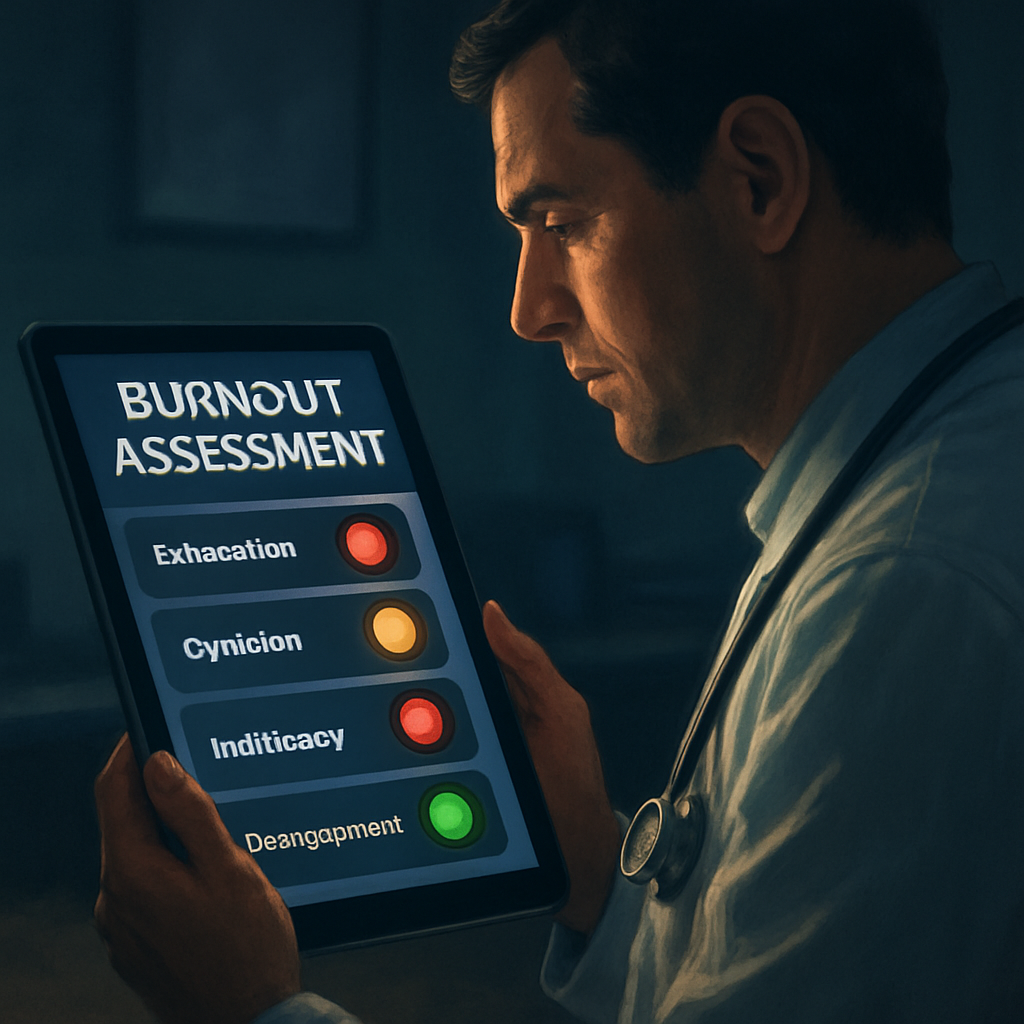
And, just for visual inspiration, imagine a dashboard where each unit’s scores light up like traffic signals – green for low risk, amber for watch, red for immediate action. That mental picture can help you sell the idea to leadership.
FAQ
What is a burnout assessment tool and why should I use one?
A burnout assessment tool is a short, validated questionnaire that translates your day‑to‑day feelings—like exhaustion, distance from patients, or loss of accomplishment—into a clear score. By giving you a concrete number, it turns vague fatigue into something you can actually discuss with a manager or peer. You can spot early warning signs before they become chronic, and you get a roadmap for the first tweak you need to try.
How often should I take a burnout assessment?
Most clinicians find a monthly pulse works best—frequent enough to catch shifts in mood but short enough to stay on the radar without feeling like a paperwork chore. If you’re in a high‑stress rotation, try every two weeks; if you’re on a stable schedule, once every six weeks is fine. The key is consistency, so you can compare scores over time and see whether a change you made actually moved the needle.
What’s the difference between the Mini‑Z, BAT‑12, and MBI?
The Mini‑Z is a ten‑item screener that gives you a quick risk flag and a few work‑stress items – perfect for busy EDs that need a snapshot in under five minutes. The BAT‑12 expands to twelve items and splits burnout into exhaustion, mental distance, and cognitive‑emotional impairment, giving you more nuance without a huge time cost. The Maslach Burnout Inventory (MBI) is the classic 22‑item gold standard; it digs deeper into emotional exhaustion, depersonalisation, and personal accomplishment, but it can take 10‑15 minutes and often requires licensing. Choose the Mini‑Z for speed, BAT‑12 for balanced detail, and MBI when you need research‑grade rigor.
Can a burnout assessment tool be anonymous and still give useful data?
Yes. Most platforms let you submit responses without attaching a name, yet they still aggregate scores by unit, shift, or role, so you can see patterns without exposing individual identities. The anonymity boosts honesty, while the built‑in analytics give leaders a heat map of high‑risk areas. When you later share the summary, you focus on trends—like “night‑shift nurses show higher exhaustion”—instead of pointing to any single person, which keeps the conversation safe and constructive.
What should I do with the results of a burnout assessment?
First, look for the domain that spikes—exhaustion, mental distance, or cognitive impairment. Then match that signal to a concrete tweak: if exhaustion is high, schedule a 10‑minute micro‑break every two hours; if mental distance is elevated, set up a brief peer debrief after each shift; if cognitive strain shows up, streamline documentation templates or delegate non‑clinical tasks. Assign a clear owner for each action, set a deadline, and re‑run the tool after two weeks to see if the score moves in the right direction.
How can I convince leadership to adopt a burnout assessment tool?
Start with the story you just lived—share a personal score and the one change that already lifted your exhaustion level. Pair that anecdote with a simple ROI snapshot: a modest drop in turnover or sick‑days translates to cost savings, and many hospitals report a 10‑15 % reduction in absenteeism after regular monitoring. Offer a pilot of 10‑15 staff, promise a quick dashboard, and tell them the tool is a preventive safety check rather than extra paperwork.
What are common pitfalls when using a burnout assessment tool?
A frequent mistake is treating the score as a final verdict instead of a conversation starter; you’ll miss the nuance behind a high number. Another trap is launching the survey without a clear follow‑up plan—people get discouraged if they see numbers but no action. Finally, using a tool that’s too long or not validated for your staff leads to low completion rates and unreliable data. Keep it short, choose a validated instrument, and always pair results with a concrete next step.
Conclusion
We've walked through why a burnout assessment tool feels like a lifeline when the wards get noisy and the days blur.
Think about that moment when you finally saw a number that matched the fatigue you were feeling – that clarity is the first step toward change.
Remember, the tool is only as good as the actions you tie to it. Pick one tweak, assign an owner, and set a two‑week check‑in. That simple loop turns data into relief.
So, what should you do right now? Grab the free, ten‑minute assessment that e7D‑Wellness offers, run it in a quiet corner, and write down the one thing you’ll adjust tomorrow.
If the score spikes, treat it like a vital sign: call a colleague, schedule a micro‑break, or flag it for your manager. If it’s low, celebrate the win and keep the habit alive.
In the end, the burnout assessment tool isn’t a one‑off questionnaire; it’s a conversation starter that keeps you, your team, and your patients healthier.
Ready to take control? Start the assessment today and watch the numbers guide you toward sustainable wellbeing.
And remember, consistency beats intensity – checking in every month builds a habit that protects you long before burnout takes hold.


Comments