

Privacy Considerations for Clinician Wellbeing Data: A Practical Guide
- Patricia Maris

- Mar 12
- 8 min read
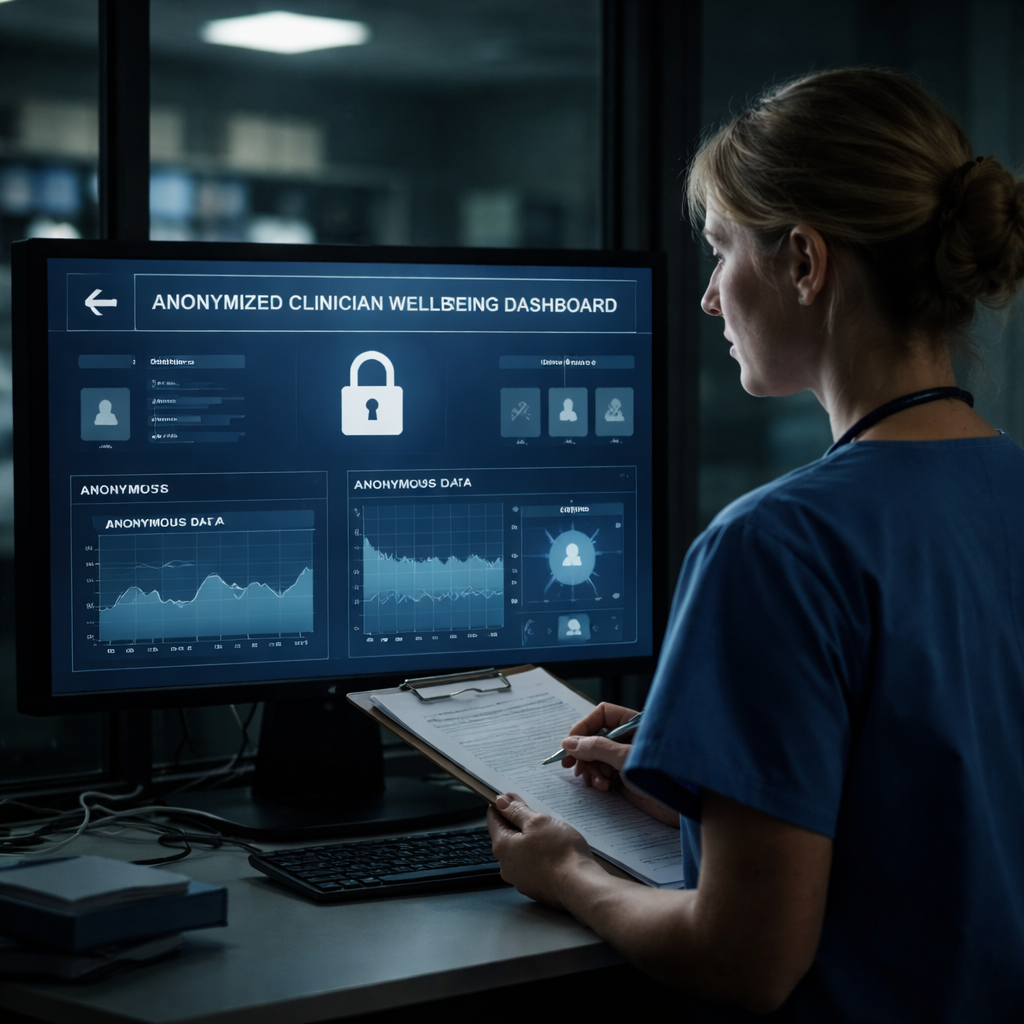
Clinician wellbeing data is a gold mine for hospitals, but it’s also a privacy minefield.
If that data leaks, you risk legal trouble, loss of trust, and real harm to the very people who need care the most. That’s why every HCP – from nurses to surgeons – must treat privacy as a core part of any wellbeing program.
First, lock down who can see the data. Use role‑based access so only those who truly need the information – like a wellbeing officer or a mental‑health specialist – can open the dashboard. Anything else should stay hidden.
Second, encrypt data at rest and in transit. Simple tools like HTTPS and encrypted databases add a strong barrier without slowing down the workflow.
Third, set clear retention policies. Keep the data only as long as it’s needed for the assessment, then delete it securely. This avoids accidental hoarding and keeps you compliant with regulations.
Fourth, get consent. Before any clinician fills out a self‑assessment, explain exactly what will be collected, how it will be used, and who will see it. A short consent tick box works, but the language must be clear and honest.
Finally, partner with a trusted IT security provider. Reliable IT support can help you set up firewalls, run regular audits, and respond quickly if a breach occurs.
Following these steps lets you respect privacy while still getting the insights you need to curb burnout. For a deeper dive on how to safely capture and track wellbeing metrics, check out this guide on measure clinician wellbeing in clinical practice. You’ll find templates, checklists, and practical tips that fit right into a busy hospital routine.
Step 1: Understand Legal Frameworks for Clinician Wellbeing Data
Before you collect any wellbeing scores, you need to know which laws apply. In the US, HIPAA sets the rules for any health‑related data. In Europe, GDPR does the same for personal info. Both require you to get clear consent, keep data safe, and only use it for the purpose you told the clinician about.
First, check if your assessment tool stores data on a server inside the country. If it’s outside, you may need a data‑processing agreement. A simple way to stay safe is to pick a cloud host that offers a signed Business Associate Agreement for HIPAA and a GDPR add‑on for EU users.
Second, label every data field with its legal basis. For example, a stress score can be recorded as “necessary for a health assessment.” This helps you answer audit questions without hunting for the reason later.
Third, give clinicians a short notice that explains who can see the data and how long you will keep it. Use plain language, “We will keep your answers for 12 months, then delete them.”
Need a template for the notice? The clinician wellbeing dashboard guide includes a consent paragraph you can copy.
Partnering with a proactive health service can also ease the load. XLR8well offers tools that handle health data under the same legal rules, so you don’t have to build everything from scratch.
Here’s a quick video that walks through a sample privacy checklist.
When you set up the dashboard, think about who will need access. Only a wellbeing officer or a mental‑health specialist should see raw scores. Everyone else gets a summary that hides personal details.
Step 2: Implement Secure Data Collection Practices
First, lock the pipe before the water even flows. Use HTTPS on every page that asks a clinician to type in a mood score or stress rating. That simple step stops most sniffers in their tracks.
Next, ask only for the data you truly need. If a survey can work with a 1‑to‑5 scale, don’t also ask for a full address. Less data means less risk. Store the answers in an encrypted database – most cloud providers offer at‑rest encryption with a single click.
Give each user a token instead of a name. A token can link a response back to the clinician for reporting, but it can’t be used to look them up elsewhere. If you need to pull a record later, swap the token for the real ID in a secure, logged process.
Set up role‑based access right away. Only the wellbeing officer and a designated IT admin should see the raw scores. Everyone else gets a summary that strips out personal tags.
Run a quick check each month: pull the access log, look for any unusual spikes, and reset passwords if something looks off. A short checklist can sit on a shared drive and remind the team to run the audit.
Tip: many hospitals pair their data collection with a broader wellness program. For example, How to Set Boundaries with Patients shows how clear policies can protect both staff and patient data.
If you want a partner that also handles health data safely, check out XLR8well. They specialize in proactive health tools that play nicely with strict privacy rules.
Step 3: Balance Transparency and Confidentiality
You want clinicians to trust the wellbeing tool, but you also need the data to be useful. The trick is to be open about what you collect while keeping the raw scores hidden from anyone who doesn’t need them.
Start with a plain consent screen that tells the user exactly which fields are recorded, how long you’ll keep them, and who will see a summary. A short checklist can sit on the same page so the clinician can tick the box in seconds.
Next, build a two‑layer reporting view. The first layer shows aggregated trends – average stress scores by department, shift type, or week. The second layer, only visible to the wellbeing officer and a designated IT admin, lets them drill down to a token‑linked record if a follow‑up is required. This way you stay transparent about the insights you share, but you keep personal tags sealed away.
Tip: run a monthly audit of who accessed the detailed view. Pull the access log, look for spikes, and reset any compromised credentials. A one‑page audit sheet can live on a shared drive for quick reference.
For a concrete example of how a dashboard can be built with these safeguards, see How to Create a Clinician Wellbeing Dashboard for Hospitals. It walks through role‑based access and summary reporting step by step.
When you store the data, consider the findings from a recent scoping review that flags gaps in PHI‑LLM privacy controls. The study notes that many projects skip proper de‑identification and consent, underscoring why your own process must be airtight ( JMIR review of LLM privacy ).
Finally, don’t forget the hardware side. Power outages can corrupt encrypted backups, so a reliable backup generator for lab‑grade servers is worth the investment. Learn more in this lab freezer backup generator guide .
Step 4: Choose the Right Technology Stack
Picking the right tools feels like choosing a lock for a safe. If the lock’s weak, everything inside is at risk. The same goes for your wellbeing platform.
First, write down what you actually need: a place to store scores, a way to let the right people see them, and a method to run simple reports. Keep the list short – extra features often mean more data exposure.
Next, match each need to a tech option that has built‑in privacy. For storage, go for an encrypted cloud database that offers at‑rest encryption. For sign‑in, use multi‑factor authentication (MFA) so a stolen password alone won’t open the door. For analytics, consider an on‑premise reporting engine that never sends PHI outside your network.
Ask any vendor these three questions:
1) How do you encrypt data?
2) Can you turn off data export features?
3) Do you log every access attempt?
If the answer is vague, walk away.
Run a quick test before you roll it out. Create a dummy clinician record, give a colleague limited access, and see what they can actually view. If they can pull more than the summary, tighten the settings.
For a deeper dive on how a solid stack supports privacy, see the article on balancing data privacy with personalized care. It shows why many hospitals pick tools that keep PHI locked down while still giving useful insights.
Want a quick reference? Check out this table that lines up common features, a simple option, and the privacy benefit.
Feature | Option | Privacy Note |
Data storage | Encrypted cloud DB | Uses at‑rest encryption, limits access |
Authentication | Multi‑factor login | Reduces risk of credential theft |
Analytics | On‑premise reporting | Keeps PHI inside the hospital network |
Finally, read the guide on Understanding Physician Burnout by Specialty for tips on aligning tech choices with real clinician needs. The right stack lets you protect data without slowing down care.
Step 5: Develop Policies and Training for Staff
Policies keep the rules clear. Training makes sure everyone knows how to follow them. If you skip either one, privacy slips can happen fast.
First, write a short privacy policy that covers what data you collect, why you need it, who can see it, and how long you keep it. Keep the language plain – no legal jargon. A one‑page PDF works fine.
Next, turn that policy into a quick 5‑minute video or a slide deck. Show a nurse, a surgeon, and an admin logging in, seeing only the bits they need. Real‑world screenshots help the point stick.
Ask yourself: does each role know the do‑and‑don’t list? If not, add a bullet point checklist. Something like:
Never share a token or password.
Only open the summary view, not the raw scores.
Report any odd access log entry right away.
Run a short quiz after the training. A few true/false questions are enough to catch misunderstandings. Keep the score low – the goal is learning, not grading.
Schedule a quarterly refresher. Policies change, and staff turnover is constant. A calendar reminder on the intranet does the trick.
Finally, make a link to a useful resource that many clinicians find helpful when they’re feeling the strain. Check out the list of common signs of physician burnout to help staff spot early warning signs and act responsibly with the data they handle.
Conclusion
You've seen how a few clear steps can turn a vague privacy worry into a daily habit.
Lock who can see the data, encrypt every link, write a short consent note, and train the team with quick drills. When each piece works, the whole system feels safe.
Think about it this way: if a nurse can check the consent screen in under a minute, they're more likely to use it every shift.
So what’s the next move? Set a calendar reminder for a six‑month review, run a mock‑access test, and note any gaps.
Platforms like e7D‑Wellness make the self‑assessment part simple and keep the data locked away.
Remember, privacy considerations for clinician wellbeing data aren’t a one‑off project—they're a loop you keep tightening.
Take one small action today and watch the confidence grow.
When you treat privacy as a habit, the whole team sleeps easier.
FAQ
What are the key privacy considerations for clinician wellbeing data?
The biggest things to watch are who can see the data, how it moves, and how long you keep it. Use role‑based access so only the wellbeing officer or a designated admin can open raw scores. Encrypt the connection and the storage, and add a clear consent tick box that explains exactly what will be stored and for how long.
How often should I review my privacy safeguards?
Plan a check‑up at least twice a year. Pull the access log, look for odd spikes, and verify that passwords were refreshed. Run a quick drill where a staff member tries to open a hidden field – if they can’t, the controls are working. Update the policy any time a new tool is added.
Can I use a generic wellbeing platform and still meet privacy rules?
You can use a generic wellbeing tool, but only if it gives you role‑based views, end‑to‑end encryption, and a way to delete data when it’s no longer needed. Check the vendor’s privacy policy for HIPAA or GDPR alignment, and run a short test to see what a normal user can see versus what a manager can see.


Comments