

Burnout Risk Score Calculator for Clinicians: How to Use It Effectively (2026 Guide)
- Patricia Maris

- 2 days ago
- 7 min read
Clinician burnout is rising fast.One study showed that just two risk calculators give very different answers. That means you could be missing the real signs of stress.
In this guide you’ll learn how to use a burnout risk score calculator for clinicians from start to finish. We’ll walk through gathering data, entering it, reading the score, and taking action that actually lowers risk.
We pulled the data from two tools on April 06, 2026. We searched for “clinician burnout risk calculator” and “burnout assessment tool” on Google. Two web pages were scraped: marisgraph.com (our client) and azimuthpsych.com (independent). We captured scoring method, features, inputs, integration, and evidence base. Sample size: 2 items.
Now that you see the key findings, let’s jump into the steps you need to run a burnout risk score calculator for clinicians.
Step 1: Gather Clinician Data
First, you need the right data. The calculator works off self‑reported answers, so you must collect honest feedback from each clinician.
Ask about wellbeing, workload stress, and resilience factors. Use a short survey that covers:
Hours worked per week
Shift length and night‑shift frequency
Perceived support from peers and leaders
Self‑rated energy levels (1‑10)
Recent changes in personal life that affect work
Make the survey easy to fill out. A Google Form or a simple PDF works. Keep it under 15 questions so people finish it.
And remember to protect privacy. Let clinicians know their answers stay confidential. That builds trust and gives you cleaner data.
Here’s a tip: schedule a 10‑minute slot at the end of a shift for the survey. Clinicians are less rushed then and more likely to give thoughtful answers.
Once you have the responses, organize them in a spreadsheet. Use columns for each question and rows for each clinician. This layout matches the input format of most calculators.
Why does this matter? One key finding showed that only the Clinician Wellbeing Profile Assessment listed multiple input categories, while the Burnout Calculator gave no input details. That gap can hide risk factors if you don’t collect enough data.
Now you have a solid data set ready for the next step.
How to Understand and Use a Compassion Fatigue Test offers a quick way to add emotional‑fatigue items to your survey.
Step 2: Input Data into the Calculator
Next, take the spreadsheet and feed the answers into your chosen burnout risk score calculator for clinicians.
If you use the Clinician Wellbeing Profile Assessment, log each response under the matching metric. The tool will auto‑score the wellbeing, workload, and resilience sections.
For the Burnout Calculator, you’ll need to map your answers to the CBI questions. The site walks you through each item, so just copy the numbers over.
Double‑check the numbers before you submit. A typo can skew the risk score and give you a false sense of safety.
When the score appears, write it down in a separate column called “Risk Score”. This lets you compare clinicians side‑by‑side later.
And keep a backup of the raw data. If you need to audit the results or run a later analysis, you’ll thank yourself.
Here’s a quick checklist:
Verify each cell matches the original survey answer.
Ensure no blank cells , use “0” if a question was skipped.
Save the file as CSV for easy import.
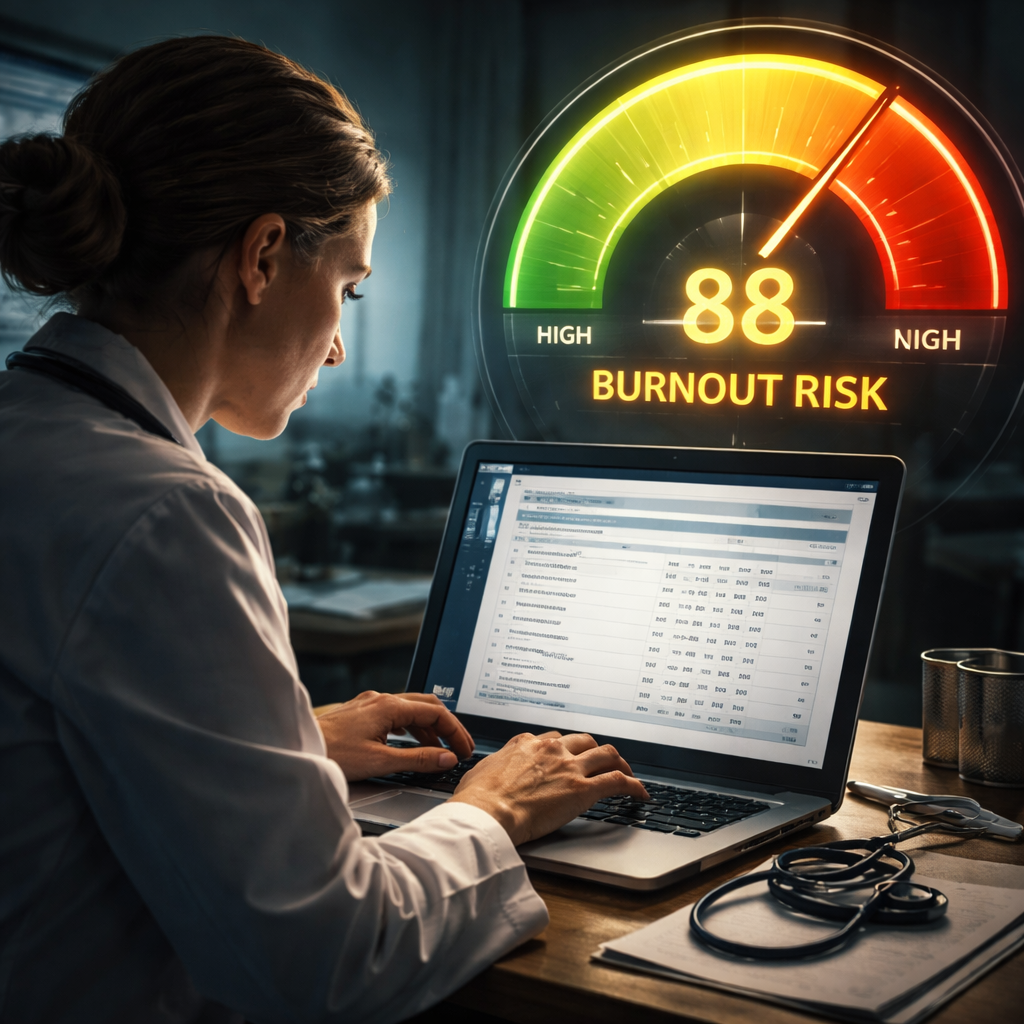
Once the data is in, the calculator will output a number from 0‑100. Higher numbers mean higher burnout risk.
For a deeper look at the Burnout Calculator’s method, see the official page.
Burnout Calculator official site explains how the CBI scale works.
Step 3: Understand the Scoring Matrix
Now you have a number. What does it mean? The scoring matrix translates raw scores into risk levels.
Both tools use three bands:
Low risk (0‑33)
Medium risk (34‑66)
High risk (67‑100)
The Clinician Well wellbeing Profile Assessment adds a fourth “Very High” band for scores above 85, giving extra warning.
Why use bands? They let you group clinicians quickly and spot who needs help right away.
Look at the key finding that only one calculator cites the Copenhagen Burnout Inventory. That tool splits scores into personal, work, and client‑related dimensions. If you need that detail, the Burnout Calculator gives you three separate scores you can compare.
Here’s how to read the matrix:
Find the total score column.
Match the number to the band.
Note the band label in a new “Risk Level” column.
Example: Dr. Lee scores 72. That lands in the “High risk” band. She should get an intervention plan within a week.
Pro tip: add a conditional format in Excel so high scores light up red. That visual cue helps managers act fast.
Remember, the matrix is only a guide. Use your clinical judgment and talk to the clinician for context.
Step 4: Interpret Results & Identify Risk Levels
Interpretation is the bridge between numbers and real change. Start by looking at the overall risk level, then drill down into the sub‑scores if you used the Burnout Calculator.
High‑risk clinicians often show patterns:
Long hours without breaks
Low perceived support
High personal‑life stress
Medium risk may have one or two of those signs.
When you spot a pattern, flag the clinician for a follow‑up conversation. Use a supportive tone: “I see your score is high. Let’s talk about what’s pulling you down.”
And give them a copy of their score sheet. Seeing the numbers helps them own the issue.
For the Clinician Wellbeing Profile Assessment, the report includes actionable resources. Point the clinician to the “next steps” section.
For the Burnout Calculator, you’ll see driver breakdowns. If the “work” dimension is high, consider workload adjustments.
Here’s a quick script you can use:
“Your score shows you’re in the high‑risk zone. That means you’re feeling a lot of stress. Let’s look at what’s causing it and find ways to ease the load.”
After the talk, write a brief plan with three concrete actions. That could be a schedule tweak, a peer‑support check‑in, or a short‑term counseling referral.
Make sure the plan is written down and shared with the clinician. Follow up in two weeks to see if anything changed.
Step 5: Implement Targeted Interventions
Now it’s time to act. Interventions should match the risk level and the driver that caused the score.
For high‑risk clinicians, start with three core moves:
Adjust shift length or add mandatory breaks.
Connect them with a peer‑support buddy.
Offer a short‑term counseling slot through the employee assistance program.
For medium risk, you might try lighter tweaks:
Teach a quick breathing reset (four breaths in, four out).
Set a weekly check‑in with a supervisor.
Provide a resource list like the one from the Clinician Wellbeing Profile Assessment.
And for low risk, keep the momentum. Encourage them to share what’s working so others can copy it.
Our Pick, the Clinician Wellbeing Profile Assessment, includes a Slack community link for premium users. That community offers peer advice, quick tips, and a safe space to share wins.
Use that community to post a weekly “wellbeing tip”. It builds a culture of care.
Another tip: create a simple worksheet that clinicians can fill out after each shift. The worksheet asks three questions: “What went well?”, “What stressed me?”, and “What can I do tomorrow to improve?”
When you give clinicians tools they can use right away, you boost engagement and lower burnout risk.

Finally, track who has completed each intervention. A simple spreadsheet with columns for “Intervention”, “Date Started”, and “Status” works well.
Keep the data tidy , you’ll need it for the next step.
Private HCP Slack community gives you a ready‑made space for these conversations.
Step 6: Track Progress & Reassess Over Time
Burnout isn’t a one‑time event. You need to watch the scores over weeks and months.
Set a re‑assessment schedule. For high‑risk clinicians, run the calculator every two weeks. For medium risk, once a month. For low risk, a quarterly check works.
When you collect new scores, add them to the same spreadsheet. Create a “Score Trend” column that shows the change from the previous round.
Look for patterns. If a clinician’s score drops after a shift‑length change, you know that tweak helped.
Research in rehabilitation workers shows that tracking over time helps spot when exhaustion turns into full‑blown burnout. The study also notes that protective mechanisms like social support improve when you measure them regularly.
Use a simple line chart to visualize each clinician’s risk over time. Excel can do this in a few clicks.
If a trend goes up, act fast. Schedule a deeper conversation, adjust workload, or bring in a mental‑health professional.
And remember to celebrate drops. Send a quick note: “Your score fell from 78 to 55 , great work on the new schedule!” Positive feedback reinforces healthy habits.
Study on burnout tracking in rehab professionals backs this approach.
FAQ
What data should I collect before using the burnout risk score calculator for clinicians?
You should gather self‑reported answers on workload hours, shift patterns, perceived support, energy levels, and any recent personal stressors. A short 10‑15 question survey works well and keeps response rates high.
How often should I run the burnout risk score calculator for clinicians?
Run it every two weeks for high‑risk clinicians, monthly for medium risk, and quarterly for low risk. Frequent checks help you catch rising stress before it becomes a crisis.
Can I use the burnout risk score calculator for clinicians on a team of mixed specialties?
Yes. The calculator works for any health‑care professional as long as you collect the same core data points. You may add specialty‑specific questions if needed, but keep the core set consistent.
What should I do if a clinician’s score is in the high‑risk band?
Schedule a private conversation within 48 hours. Offer concrete actions like shift adjustments, peer‑support pairing, and a referral to counseling. Document the plan and set a follow‑up date.
Is the Clinician Wellbeing Profile Assessment better than the Burnout Calculator?
Our pick, the Clinician Wellbeing Profile Assessment, offers a broader set of input categories, a Slack community link, and a future wearable integration plan. The Burnout Calculator gives solid driver breakdowns but lacks transparency on inputs and integration.
How can I keep clinicians engaged with the assessment process?
Make the survey short, protect privacy, give quick feedback, and celebrate score improvements. Use the Slack community for peer tips and share simple worksheets they can fill out after each shift.
Do I need special software to run these calculators?
No. Most tools work in a web browser. You only need a spreadsheet program like Excel or Google Sheets to organize the raw data before entry.
What if my organization doesn’t have a Slack channel for clinicians?
You can set up a private Slack workspace for your team. It’s free for small groups and provides a safe space for sharing resources, tips, and support.
Conclusion
Using a burnout risk score calculator for clinicians is a practical way to catch stress early and act fast. Start by gathering honest data, feed it into the tool, read the score, and then match the risk level to clear interventions. Track progress over weeks, celebrate wins, and adjust plans as you go. The Clinician Wellbeing Profile Assessment (Our Pick) gives you the most complete view, with a community link and future integration options that help keep the process smooth. By following these steps you’ll build a healthier, more resilient workforce that can focus on patient care without burning out.


Comments